
Creating Screenshots for Social Media: Platform-Specific Guide
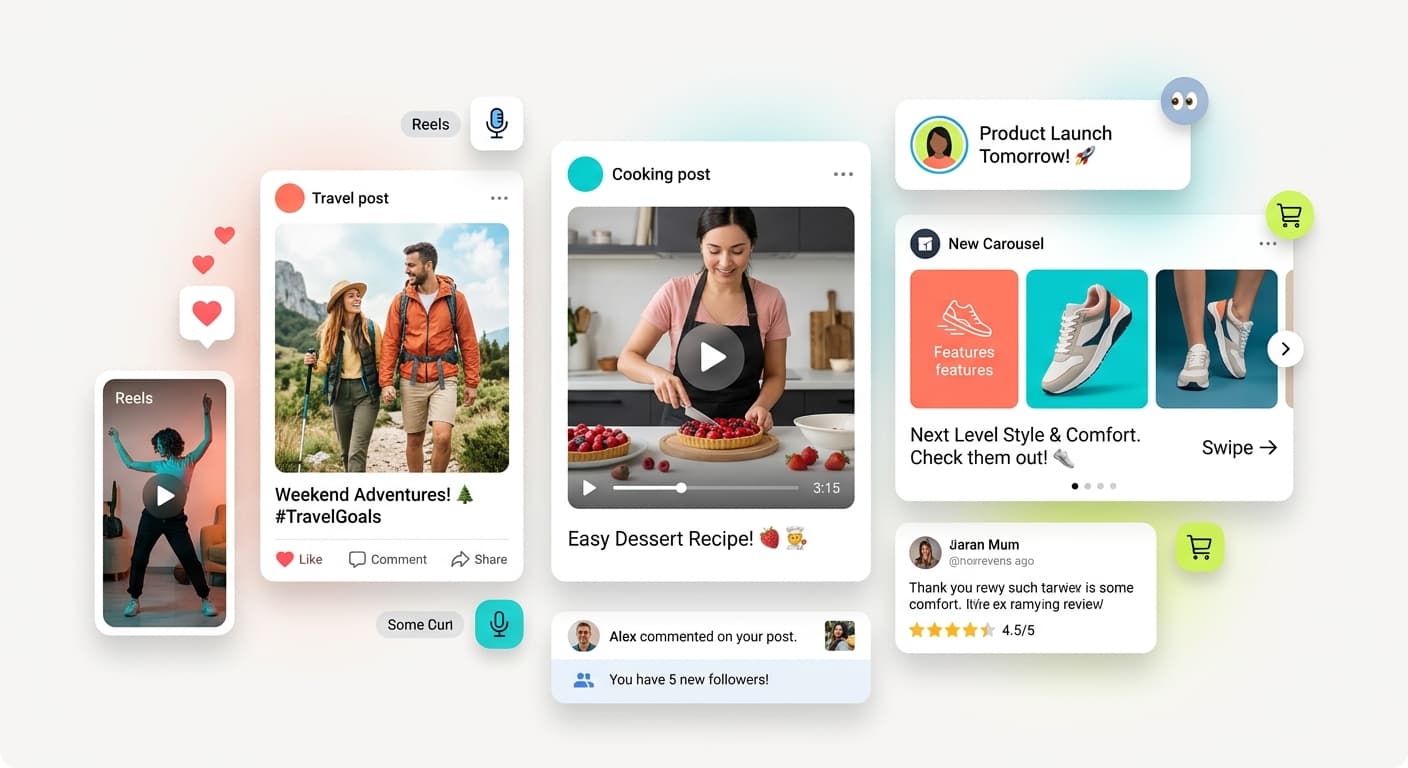
Social media screenshots need to grab attention in crowded feeds. Each platform has unique requirements and best practices.
Why Social Media Screenshots Are Different
Social media screenshots compete with thousands of other posts. They must:
Stand out: Bold colors, clear framing, eye-catching design Load fast: Optimized file sizes for mobile Work on mobile: Readable on small screens Convey quickly: Message clear in 2 seconds Drive engagement: Encourage likes, shares, comments
Platform-Specific Requirements
Twitter/X
Optimal dimensions: 1200x675px (16:9) Best practices: - Use bold gradient backgrounds - Add browser frames for context - Keep text large and readable - Use high contrast
Optimal dimensions: 1200x627px Best practices: - Professional appearance - Subtle backgrounds - Clear, business-focused messaging - Use blue/purple gradients (trust colors)
Optimal dimensions: 1080x1080px (square) or 1080x1350px (portrait) Best practices: - Vibrant, eye-catching colors - Mobile-first design - Large text for small screens
The Bottom Line
Social media screenshots require platform-specific optimization. Use bold colors, clear framing, and mobile-first design. Test different approaches to find what drives engagement.