
Best Screenshot Tools for Chrome in 2026
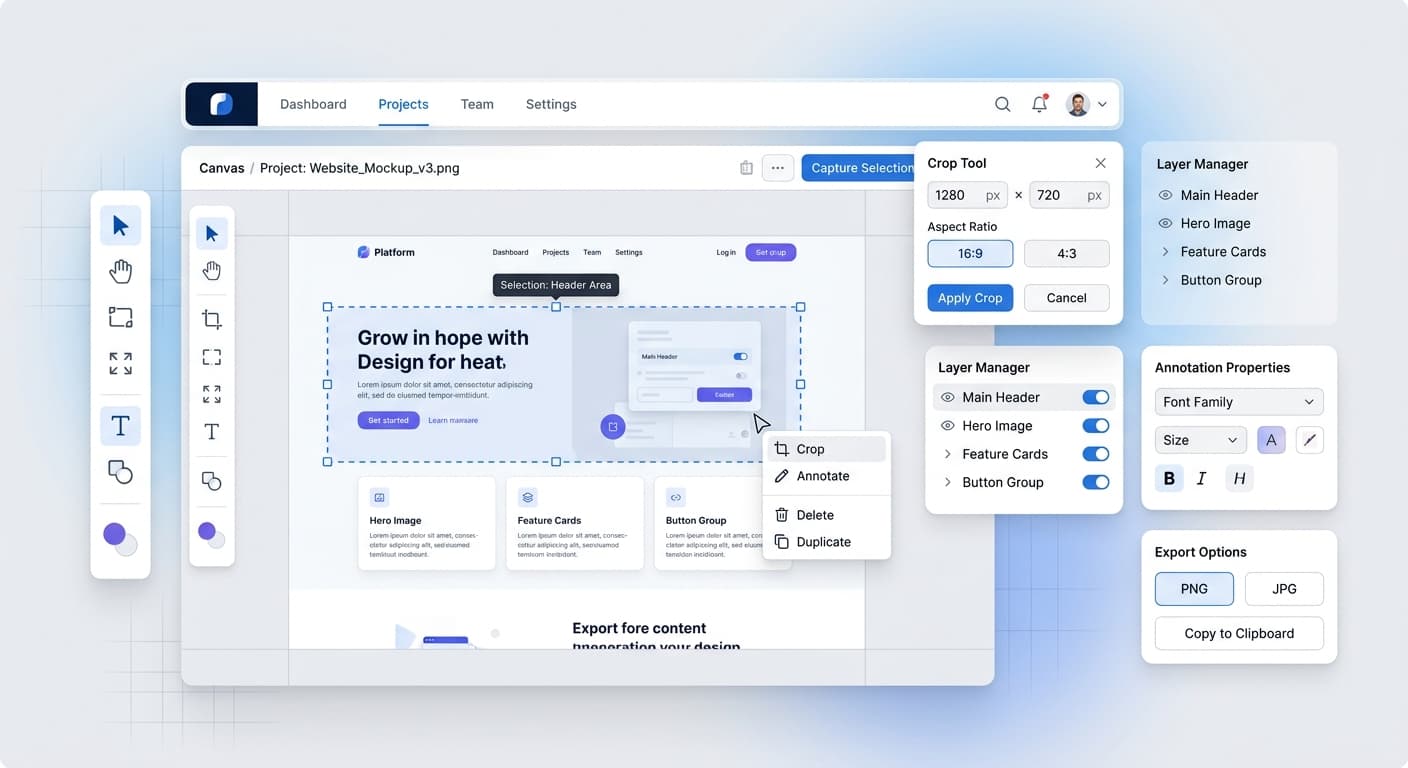
Taking screenshots is a daily task for developers, designers, marketers, and content creators. While built-in tools work for basic captures, dedicated screenshot extensions offer powerful features that save time and improve quality.
Why Use a Dedicated Screenshot Tool?
Built-in screenshot tools (Windows Snipping Tool, macOS Command+Shift+4) are limited. They lack annotation features, browser frames, background customization, and quick sharing options. Dedicated tools transform screenshots from simple captures into polished visual assets.
Top Screenshot Tools for Chrome
ScreenshotFramer
A privacy-first Chrome extension designed for creating professional screenshots with beautiful browser frames and backgrounds.
Key Features: - 9 browser frame styles (macOS, Windows, Chrome, Safari, VS Code, Minimal) - 12 background options (gradients, patterns, solid colors) - Full-page scrolling capture - Annotation tools (arrows, text, shapes, blur) - 100% offline - no data collection - Instant clipboard copy - No watermark on Pro version
Best for: Developers and designers who need polished screenshots for documentation, social media, and portfolios.
Pricing: Free version available, Pro at $29 one-time payment
Awesome Screenshot
Popular extension with comprehensive capture and annotation features.
Key Features: - Full page capture - Video recording - Cloud storage integration - Annotation tools - Blur sensitive information
Best for: Teams needing cloud storage and collaboration features.
Pricing: Free with limitations, Premium from $6/month
Nimbus Screenshot
Feature-rich tool with video recording and editing capabilities.
Key Features: - Screenshot and screen recording - Built-in editor - Cloud storage - Watermark on free version
Best for: Users who need both screenshots and screen recording.
Pricing: Free with watermark, Pro from $5/month
GoFullPage
Specialized in full-page screenshots with minimal features.
Key Features: - One-click full page capture - PDF export - Simple and fast - No annotation tools
Best for: Quick full-page captures without editing needs.
Pricing: Free
Lightshot
Lightweight screenshot tool with basic editing.
Key Features: - Quick region capture - Basic annotations - Upload and share - Search similar images
Best for: Simple, fast screenshots with minimal editing.
Pricing: Free
Feature Comparison
Privacy: ScreenshotFramer operates 100% offline with no data collection. Most alternatives require cloud accounts and upload your screenshots to their servers.
Browser Frames: ScreenshotFramer offers the most frame options (9 styles). Others typically offer none or require manual editing in external tools.
Backgrounds: ScreenshotFramer provides 12 built-in backgrounds. Competitors require external design tools for background customization.
Pricing Model: ScreenshotFramer uses a one-time payment ($29 lifetime). Most alternatives use monthly subscriptions ($5-10/month).
Watermarks: ScreenshotFramer's free version includes a small watermark. Pro removes it completely. Some alternatives add watermarks even on paid plans.
Which Tool Should You Choose?
Choose ScreenshotFramer if: - You value privacy and offline operation - You need professional browser frames - You want beautiful backgrounds without design tools - You prefer one-time payment over subscriptions - You create content for social media or documentation
Choose Awesome Screenshot if: - You need cloud storage integration - Your team collaborates on screenshots - You want video recording included
Choose Nimbus if: - You need extensive editing features - Screen recording is essential - You don't mind watermarks on free version
Choose GoFullPage if: - You only need full-page captures - You don't need editing or frames - Speed is your priority
Choose Lightshot if: - You need basic, fast screenshots - You don't need browser frames or backgrounds - Free is your only requirement
The Bottom Line
For professional screenshots with browser frames and beautiful backgrounds, ScreenshotFramer offers the best value. Its privacy-first approach, one-time pricing, and comprehensive features make it ideal for developers, designers, and content creators.
For teams needing cloud collaboration, Awesome Screenshot or Nimbus are better choices despite higher ongoing costs.
For simple, quick captures without polish, GoFullPage or Lightshot work fine.